Case study 1 of 4 · Protokol
Kredential
From 0 to 1 — a credential wallet that lets universities issue and students manage verifiable academic credentials on the EBSI blockchain, across mobile and desktop.
Not shipped — on hold while EU regulations are finalized
Context & problem
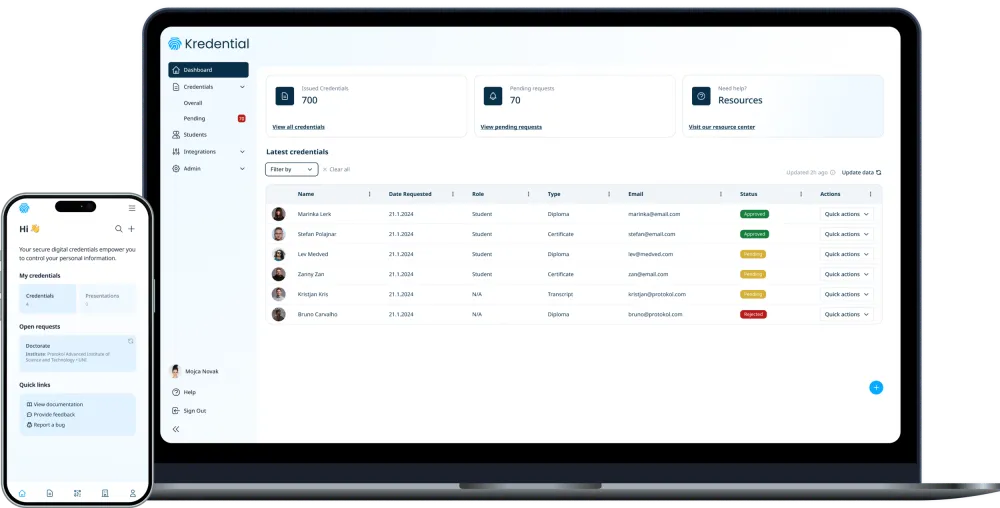
Kredential is a credentialing platform, built from scratch for the EBSI framework, that helps students and universities issue, manage and verify verifiable credentials (VCs) in a secure, decentralized way. It runs as two products that work independently and together:
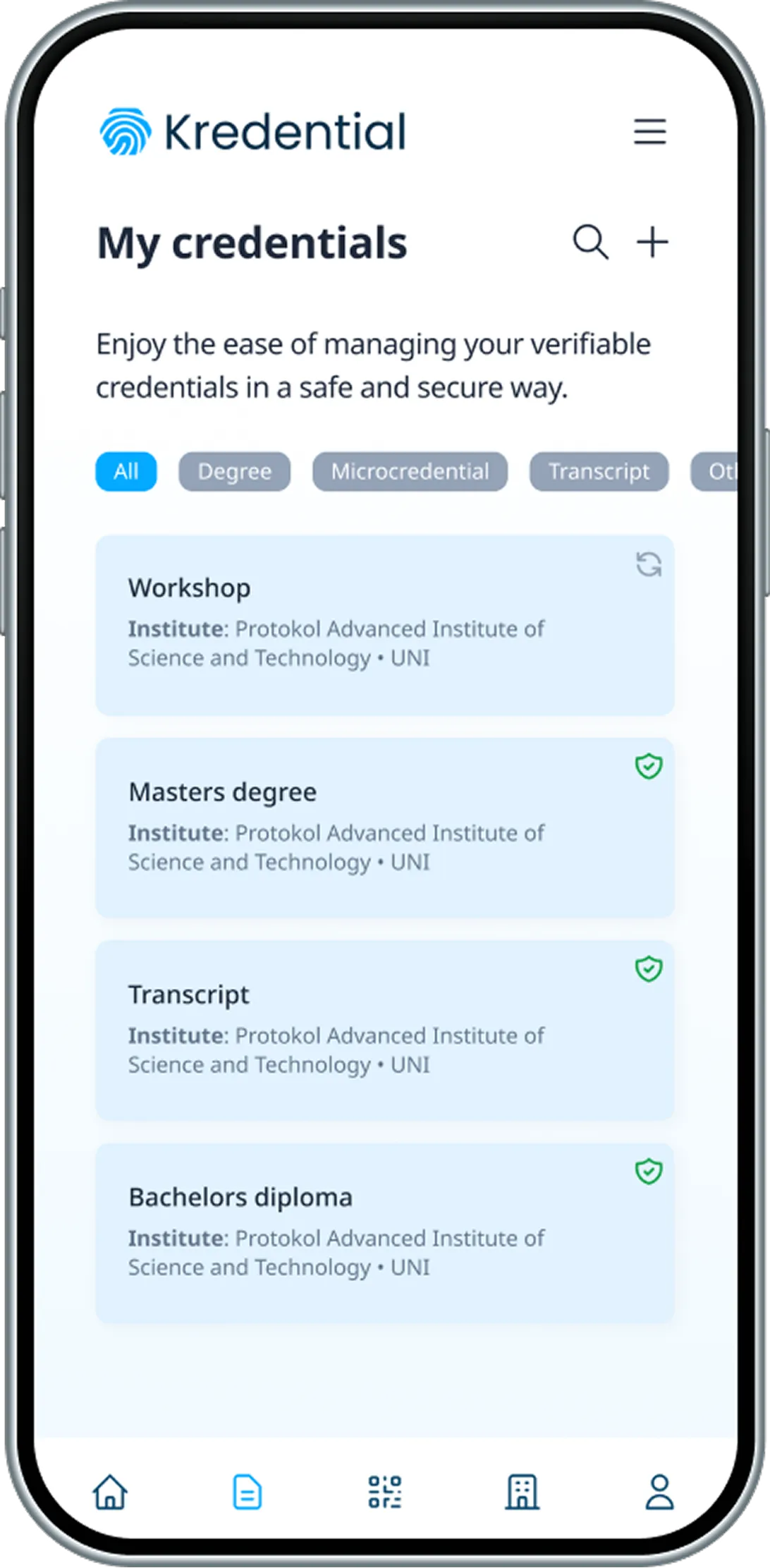
- Holder Wallet — for students. Store, request and manage credentials in one place; share them by email or QR code and verify them instantly. Mobile-first, designed to feel secure without overwhelming people with technical language.
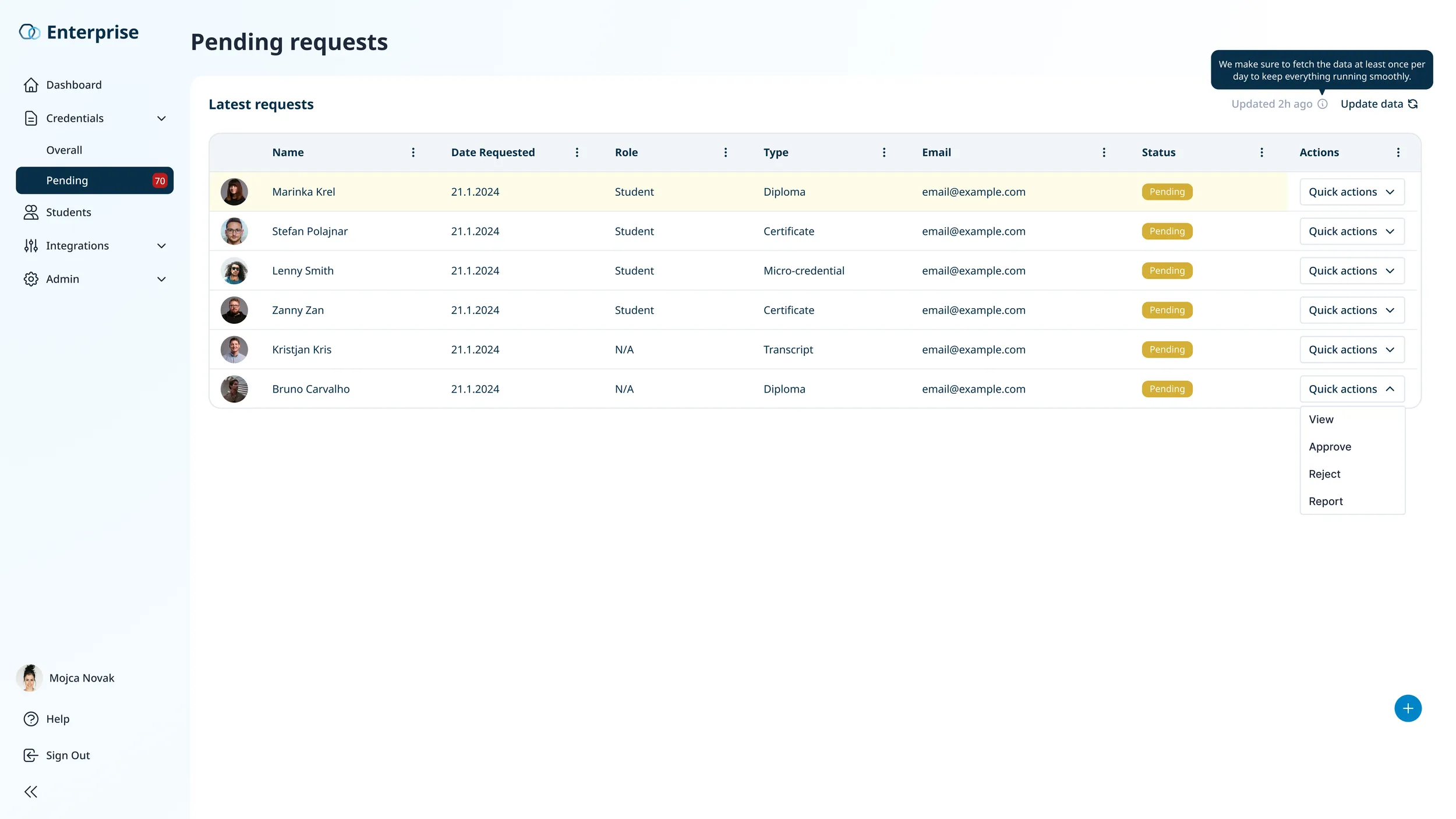
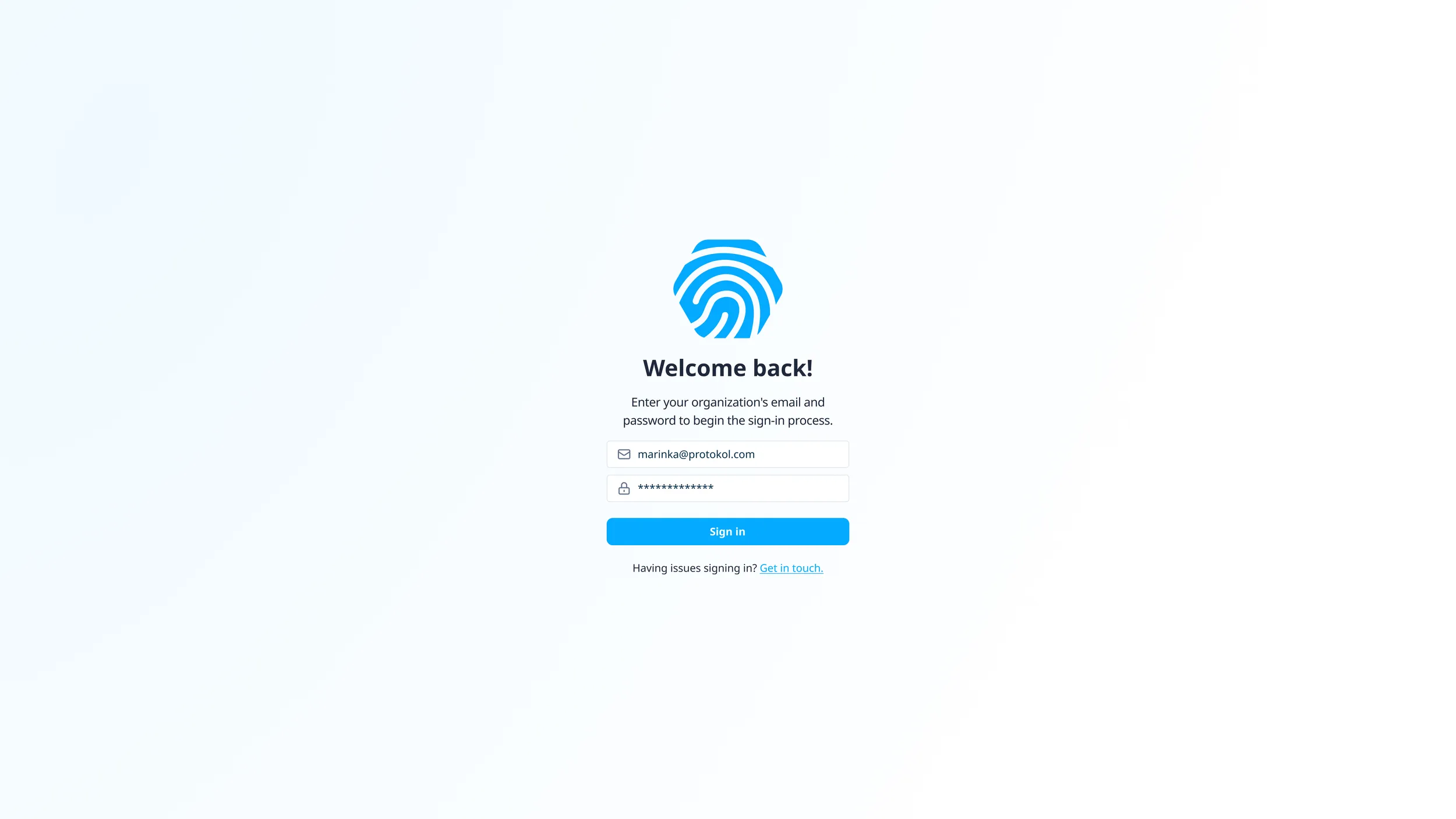
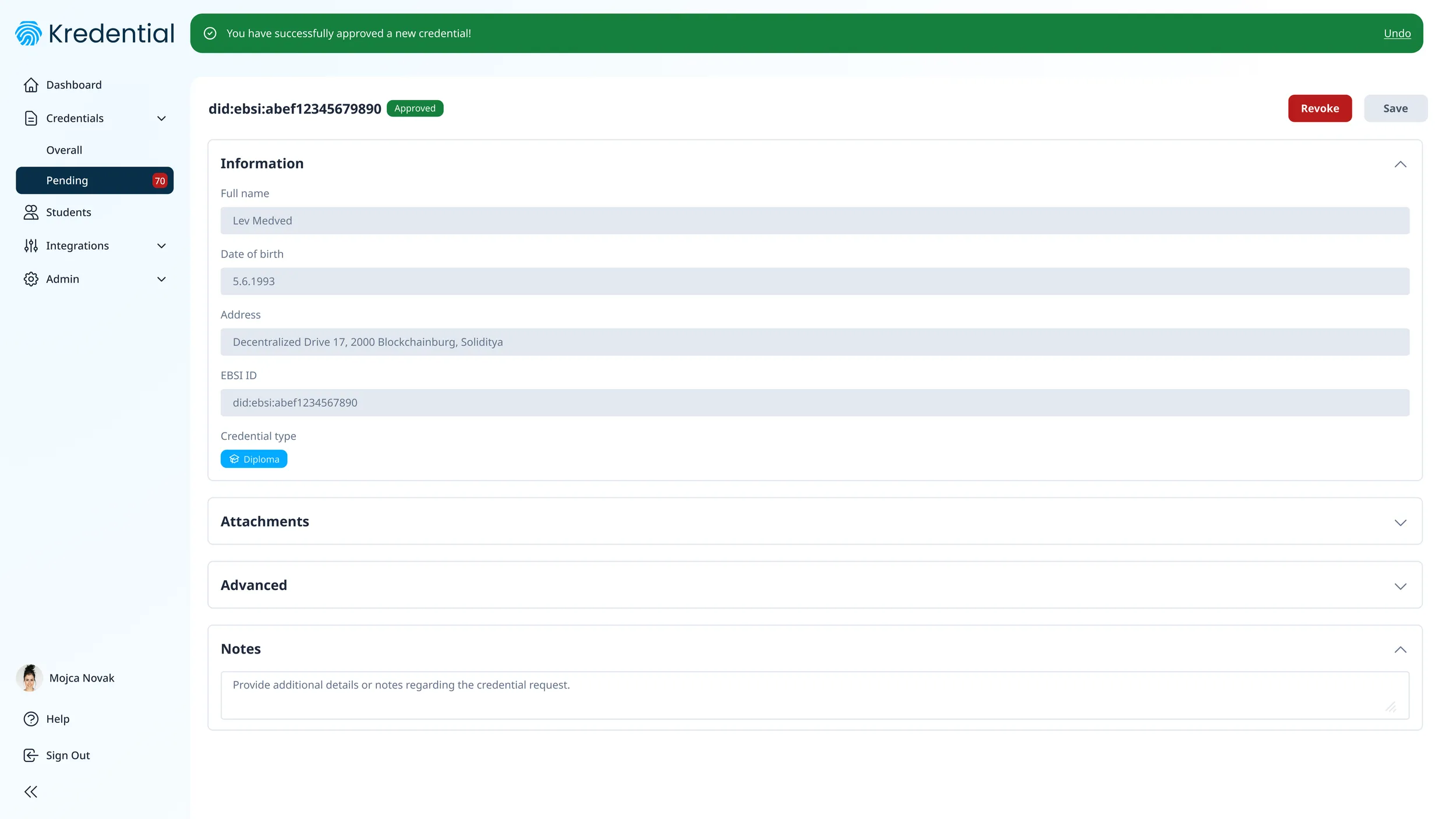
- Enterprise Wallet — for universities and issuing institutions. Issue new credentials, review and approve student requests, revoke when needed. Designed for clarity and scale while staying compliant with EBSI standards.
The core challenge: concepts like DIDs, verifiable credentials and presentations are unfamiliar to students and admins alike, and the product had to be correct against EU regulation and still feel simple.
My role
I was a UI/UX Designer on a cross-platform design team, working on both wallets.
- I did: every screen of both the Holder Wallet and the Enterprise Wallet, plus research and competitor analysis, scenario and user-flow mapping in FigJam, the feature breakdown, the mascot and iconography, and manual QA (bugs reported in Jira).
- Together with Marinka Krel (Lead UI/UX Designer): the design system.
- Others: Matjaž Tercelj led solution delivery; Žan Kovačič (blockchain) and Tadej Polajnar (front-end) built it.
Process
From EU regulation to real screens — five steps, each one narrowing what the product had to be.
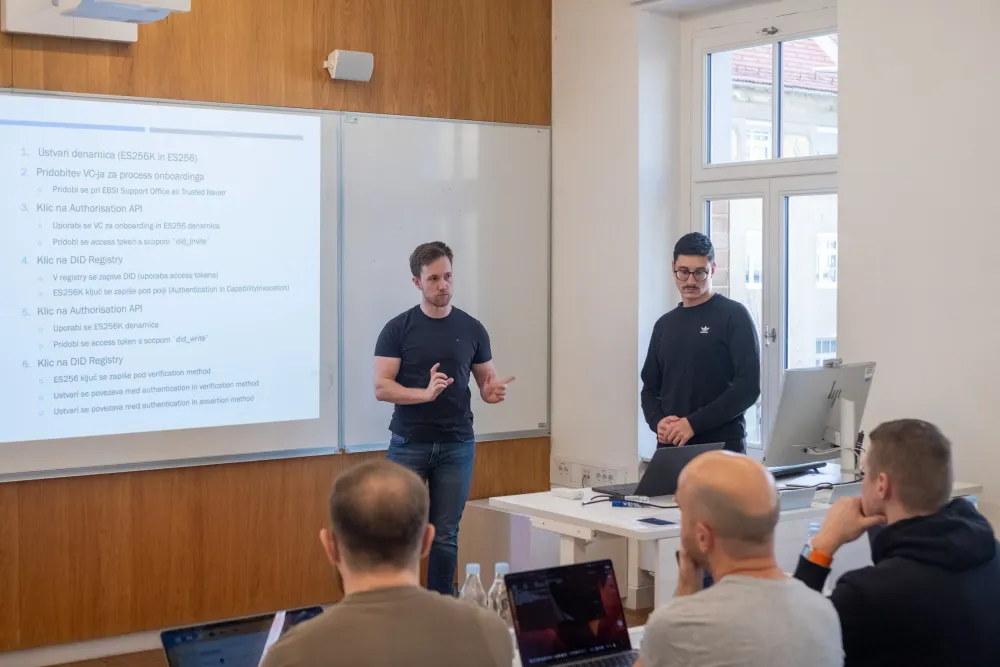
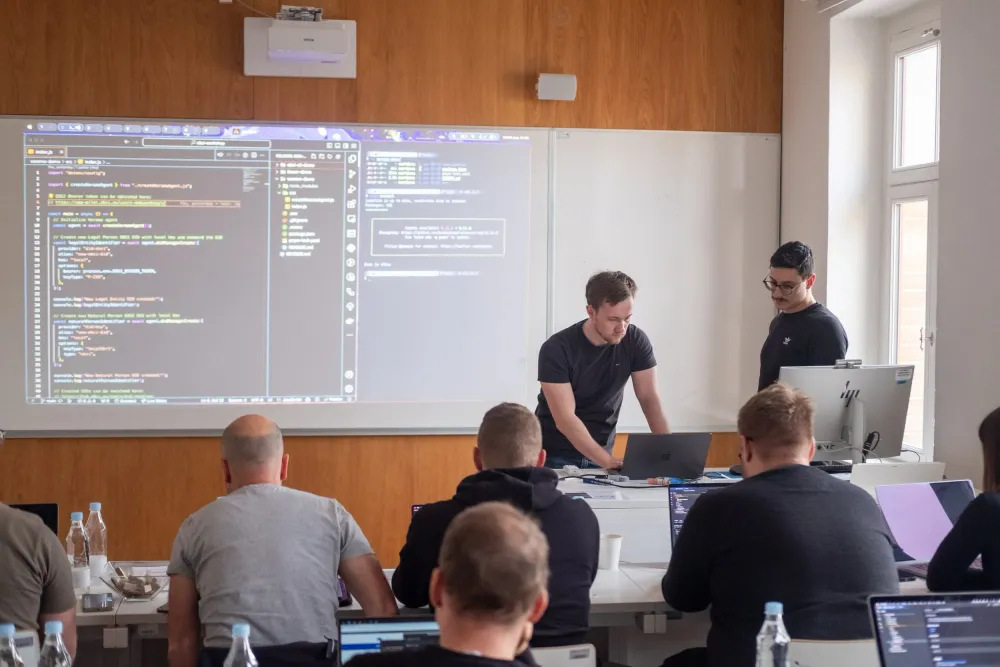
Kick-off workshop at the University of Maribor (FERI)
Before designing anything, we joined a full-day workshop on decentralized identity at the Faculty of Electrical Engineering and Computer Science. We walked through DID flows and real academic credentialing use cases with domain experts, which shaped the feature set of both wallets and showed us how universities actually manage credentials.
Foundational research & competitor analysis
We compared issuance, verification and UX on Accredible, SmartCertificate and TrueLayer — what worked, what didn’t, and the gaps — and reviewed EBSI documentation, DID methods, verifiable credentials and trust registries so the design would hold up in real-world use. This gave us clarity, and the constraints, to move forward with confidence.
Scenarios
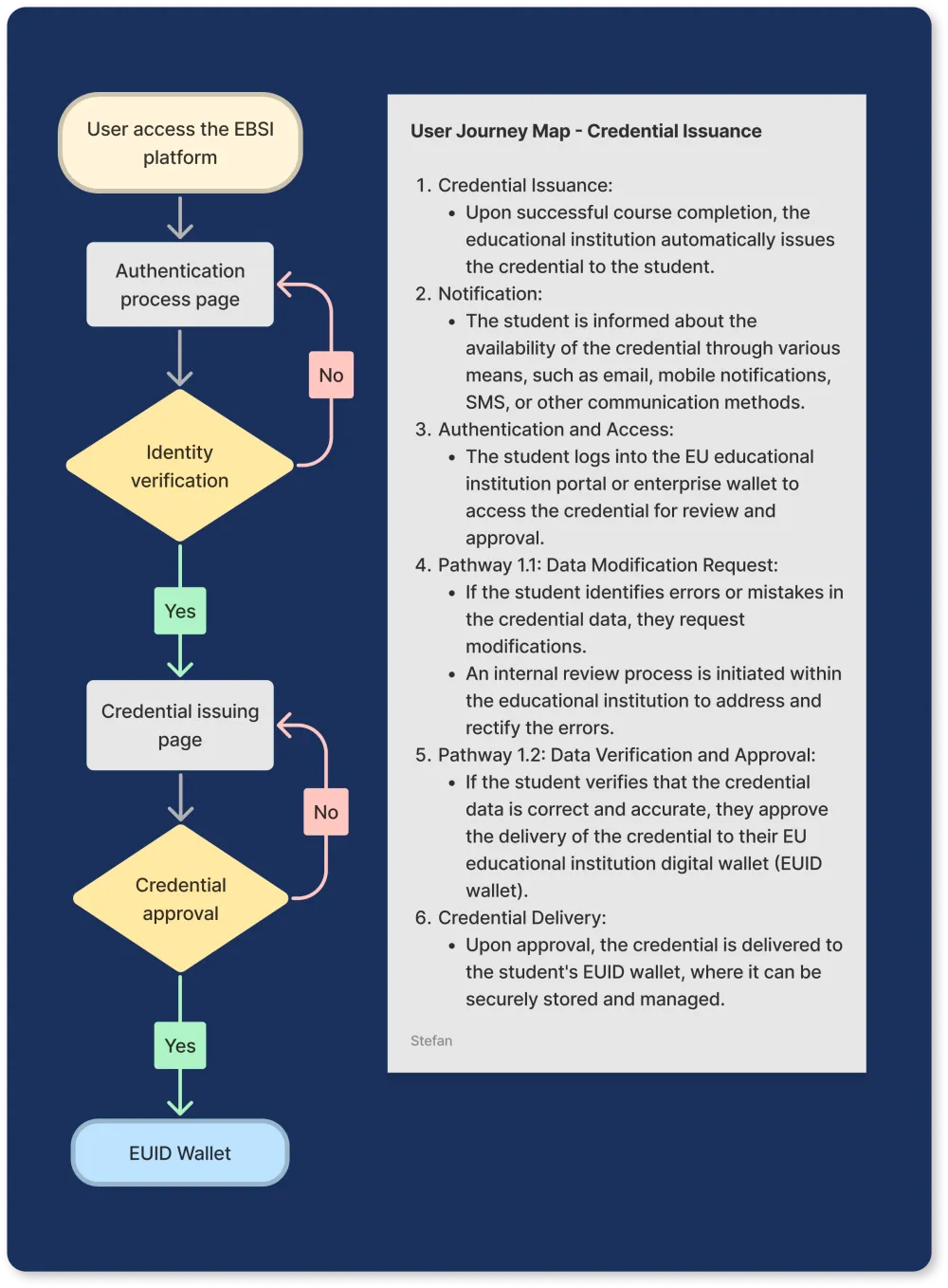
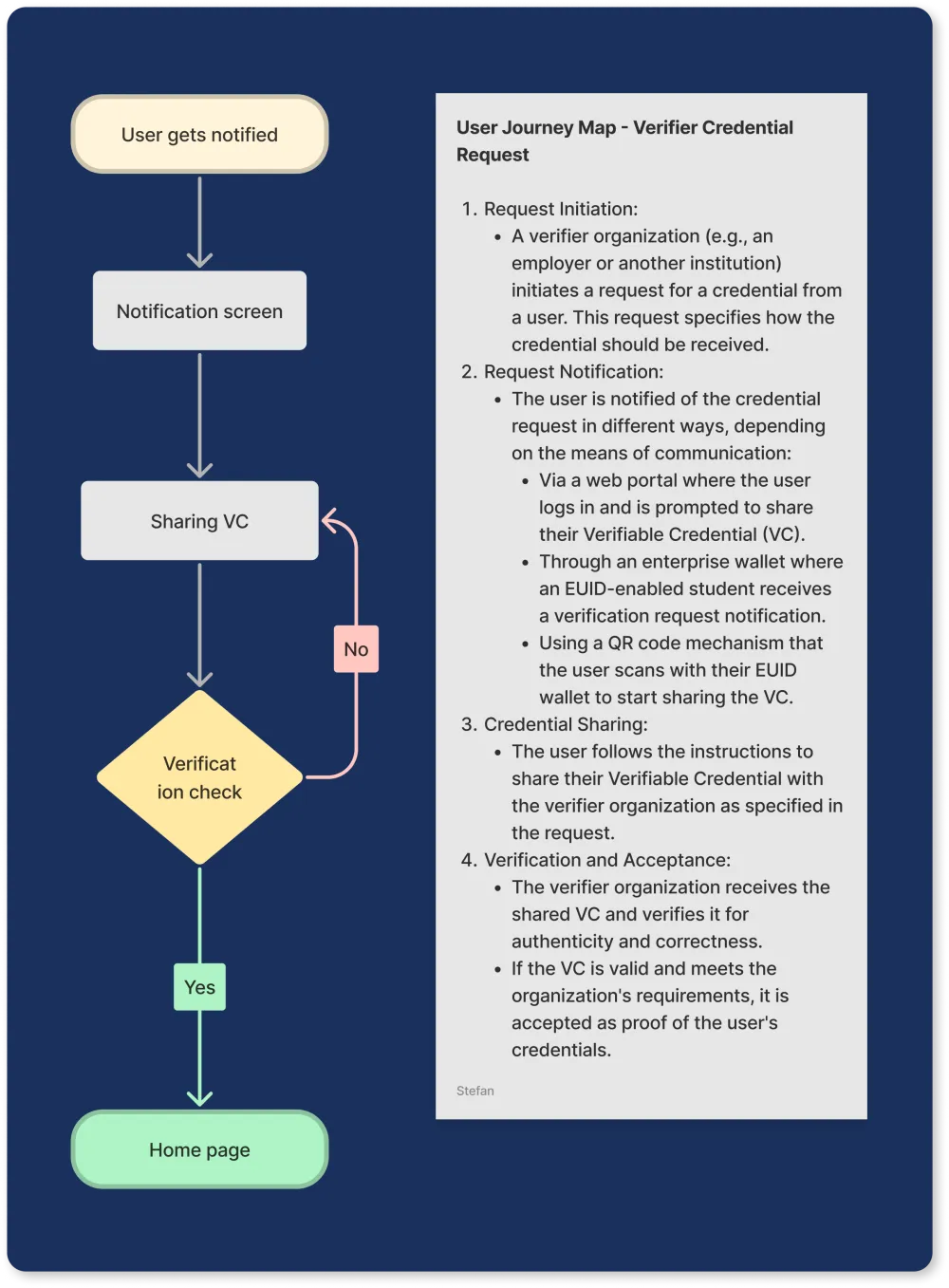
I turned requirements into human-centered use cases in FigJam: logging in with an existing DID, identity verification for first-time users, credential issuance after course completion, and verification requests from employers. The questions that drove it: How does a student log in with a DID? What happens when someone gets rejected? What does a verifier actually need to see to trust a credential? These flows helped the whole team spot edge cases and approval steps early.
User flows across both wallets
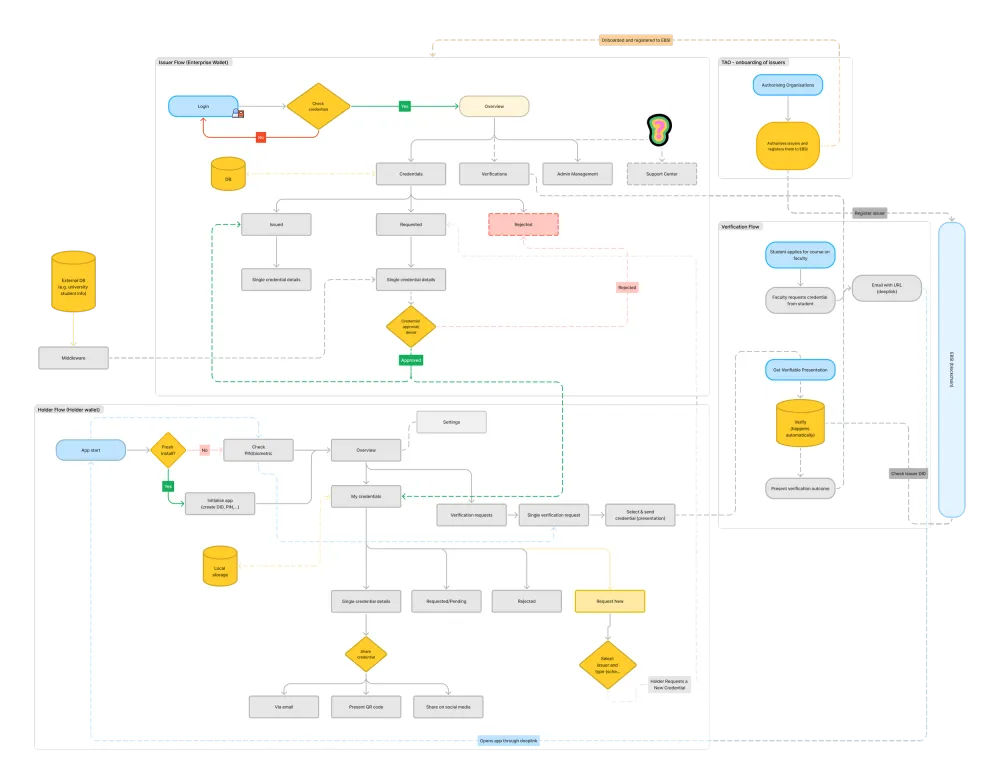
We mapped the full experience end to end — from requesting a credential, to logging in with a decentralized ID, to verifying a diploma by QR code — with separate flows for the Holder Wallet (students) and the Enterprise Wallet (institutions and verifiers).
Feature breakdown
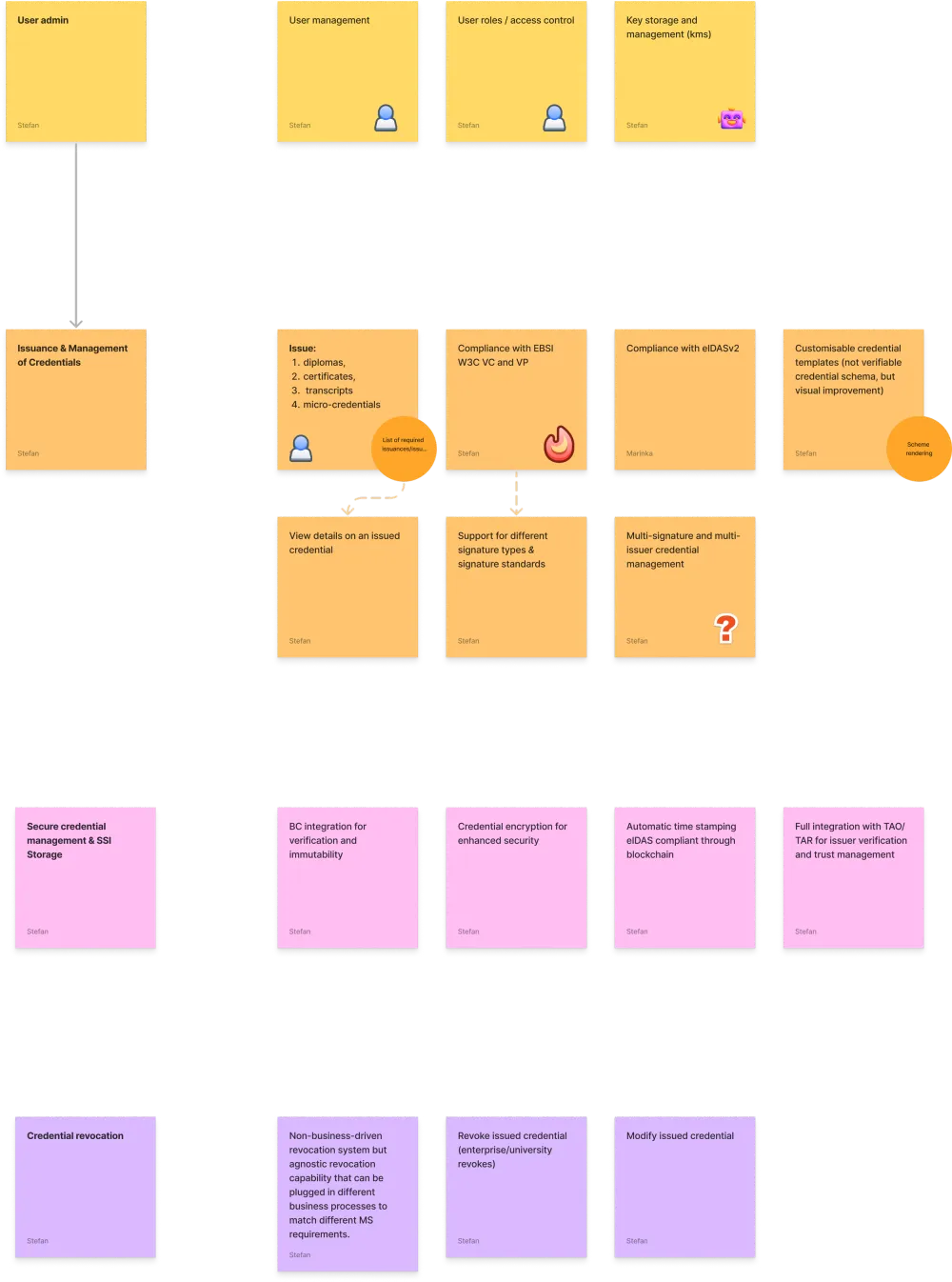
Working from spreadsheets, stakeholder notes, EBSI documentation and a growing list of compliance requirements, I tagged every feature — DID support, revocation logic, access control, signature types — and mapped it to both user goals and technical reality. The result was a clear roadmap that kept the design phase focused.
Iteration: onboarding v1 → v2
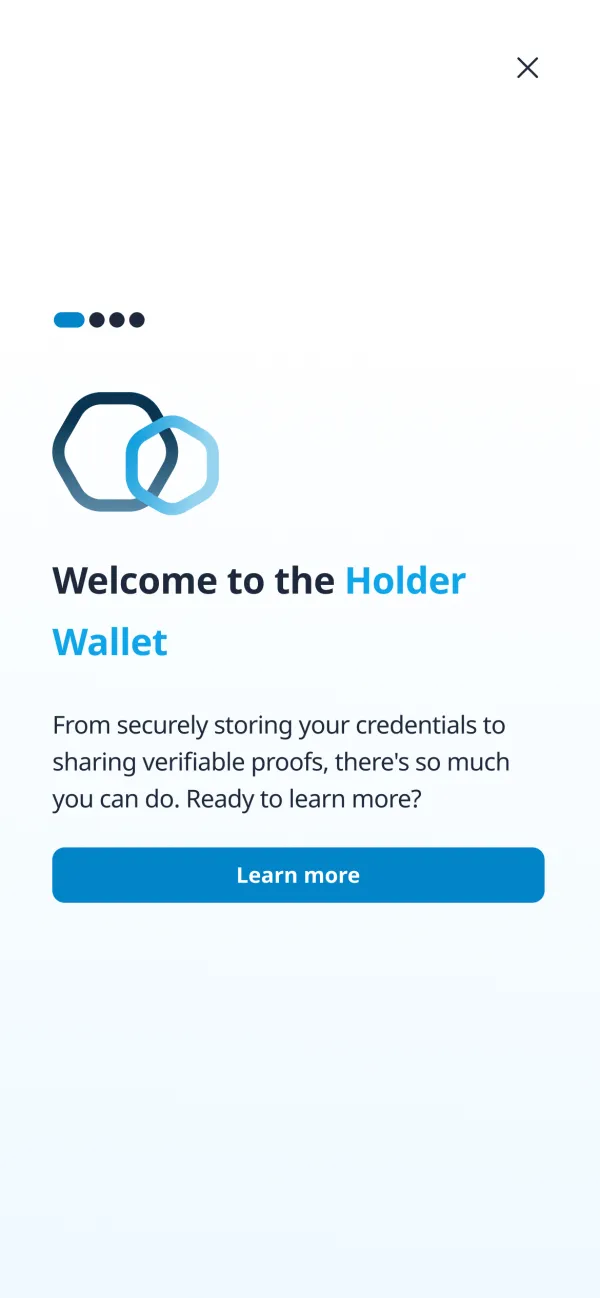
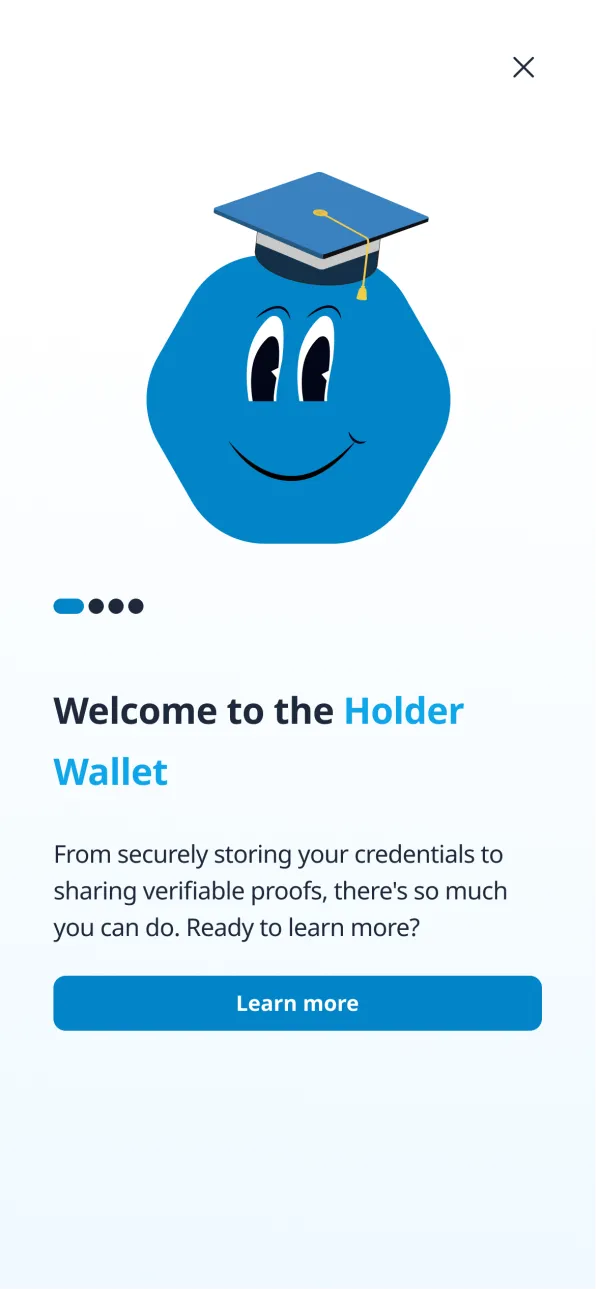
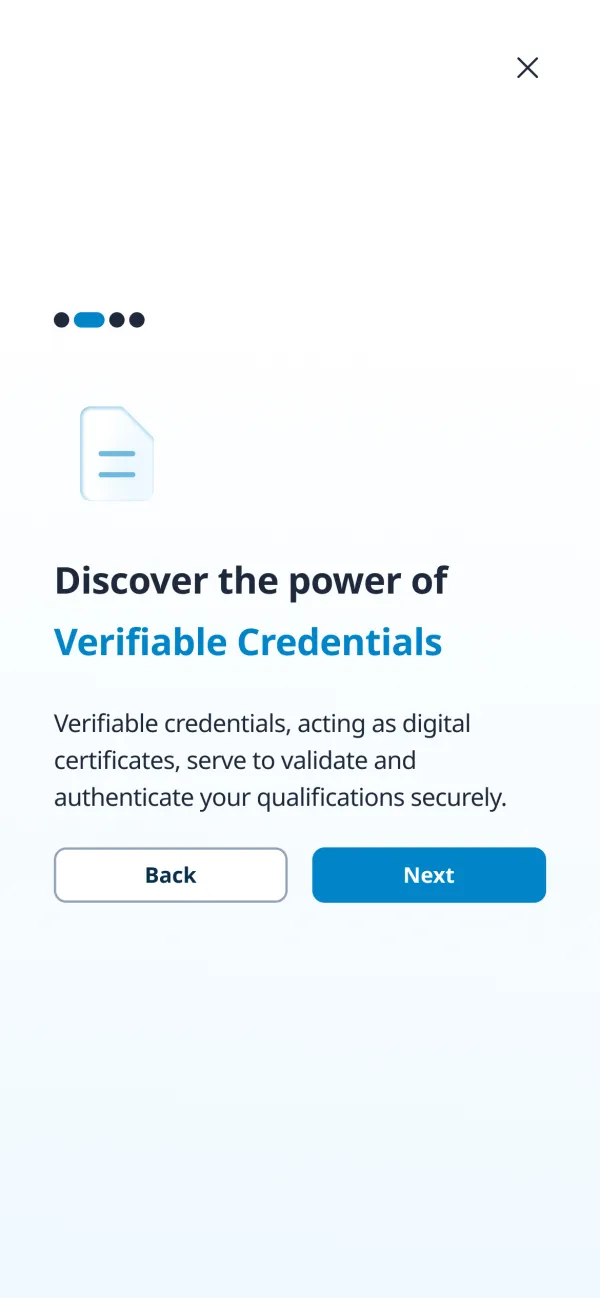
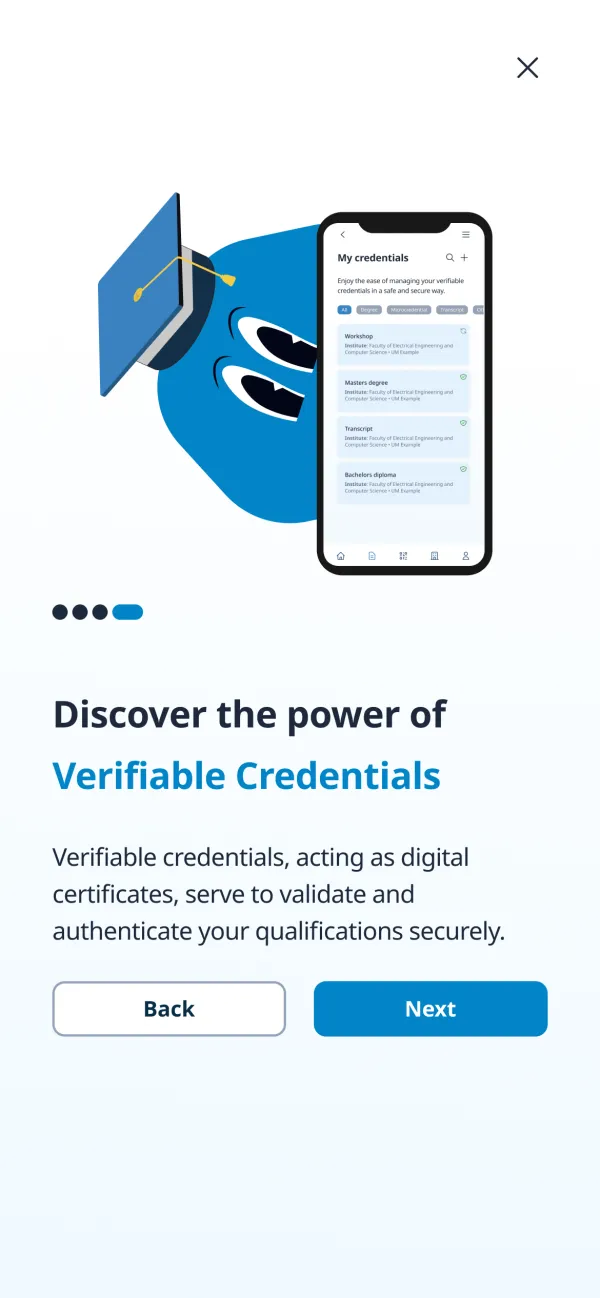
The first onboarding relied on an abstract logo and text to explain credentials and presentations. We redesigned it with a friendly mascot and clear visual examples, so each screen was cleaner and the concepts easier to grasp. Scroll — or drag the slider — to compare.
Iteration: edge cases
Early testing showed unclear UI communication around edge cases — 30% more confusion during QA and extra steps for users. We mapped high-risk edge cases in FigJam with the developers, then:
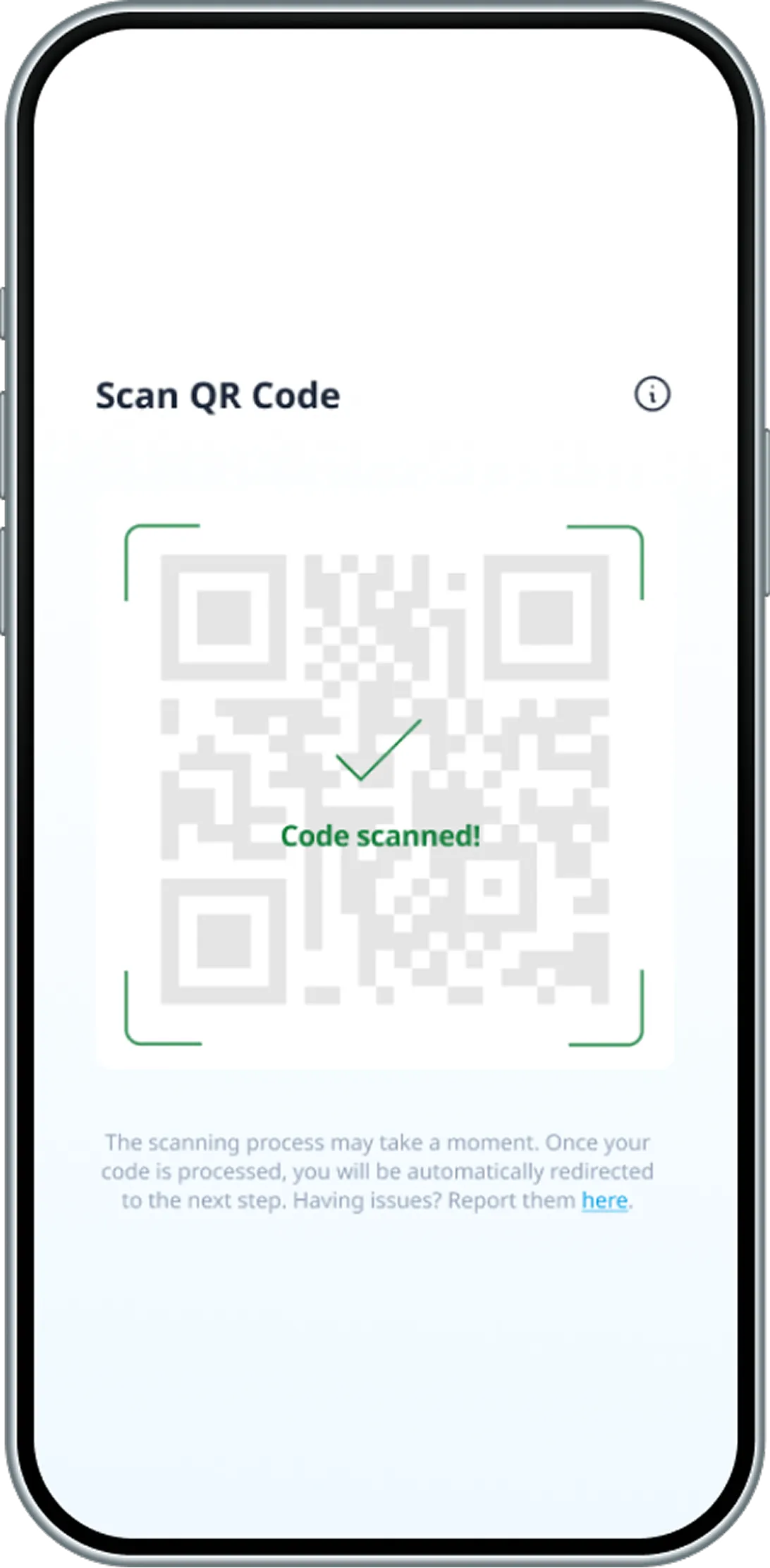
- added empty states and clearer error messages for onboarding and scanning (Holder Wallet);
- refined credential status flows (revoked, pending) to remove dead ends (Enterprise Wallet).
Solution
I designed every screen of both wallets on a design system Marinka Krel and I built together, aiming for clarity, trust and a human touch on a blockchain-backed product: accessible contrast, strong hierarchy, custom iconography and a mascot.
Enterprise Wallet — for universities
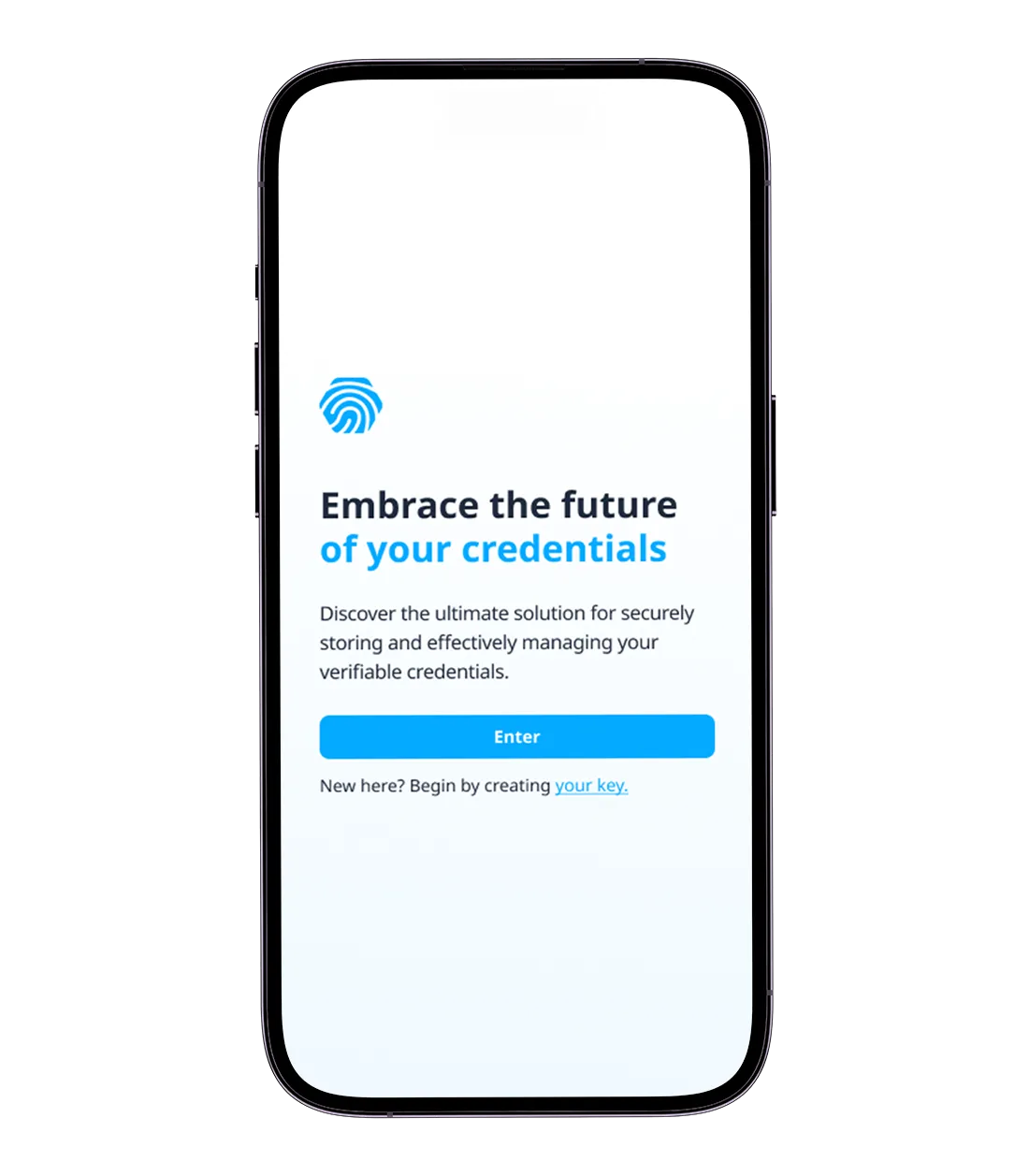
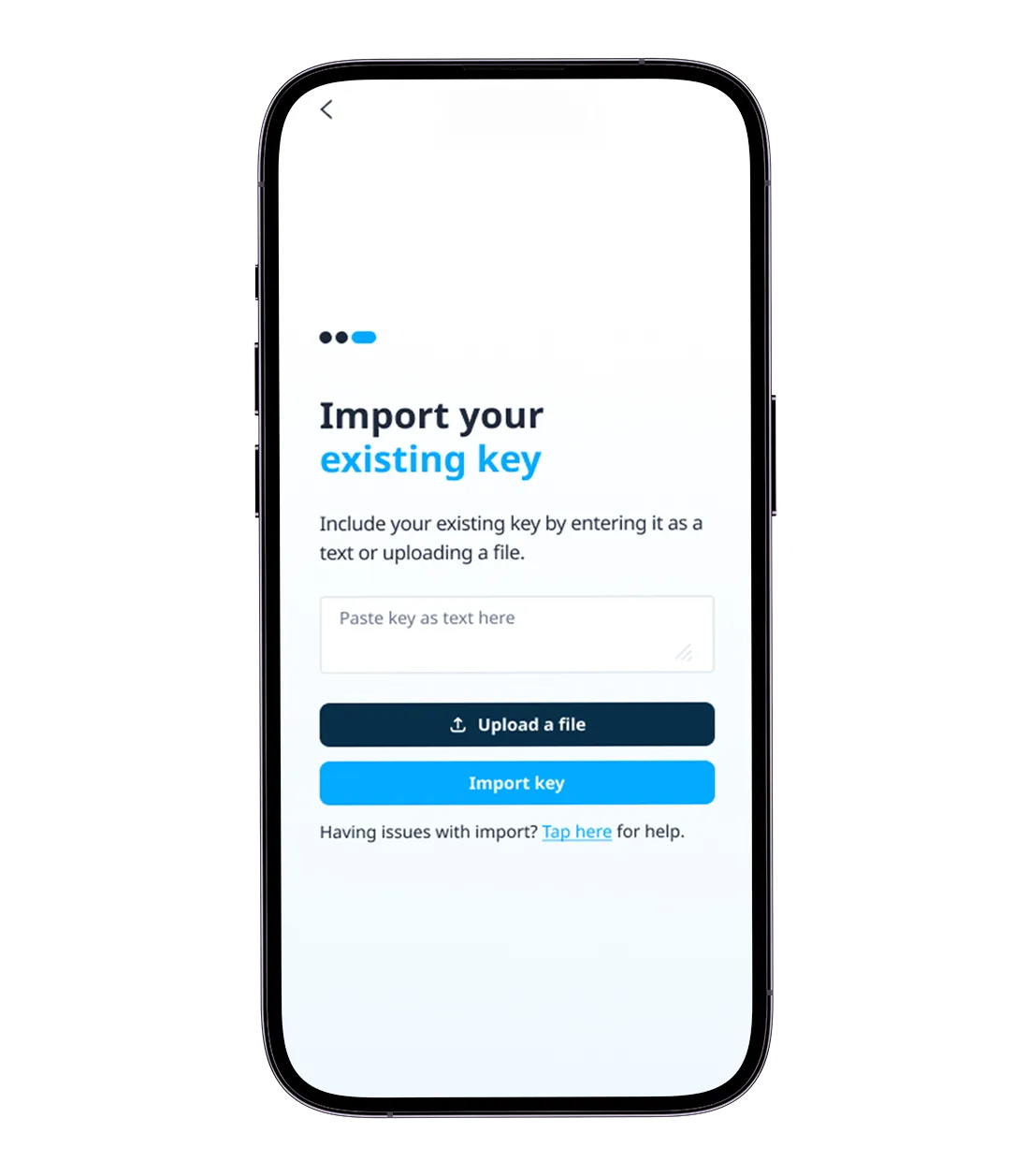
Holder Wallet — for students
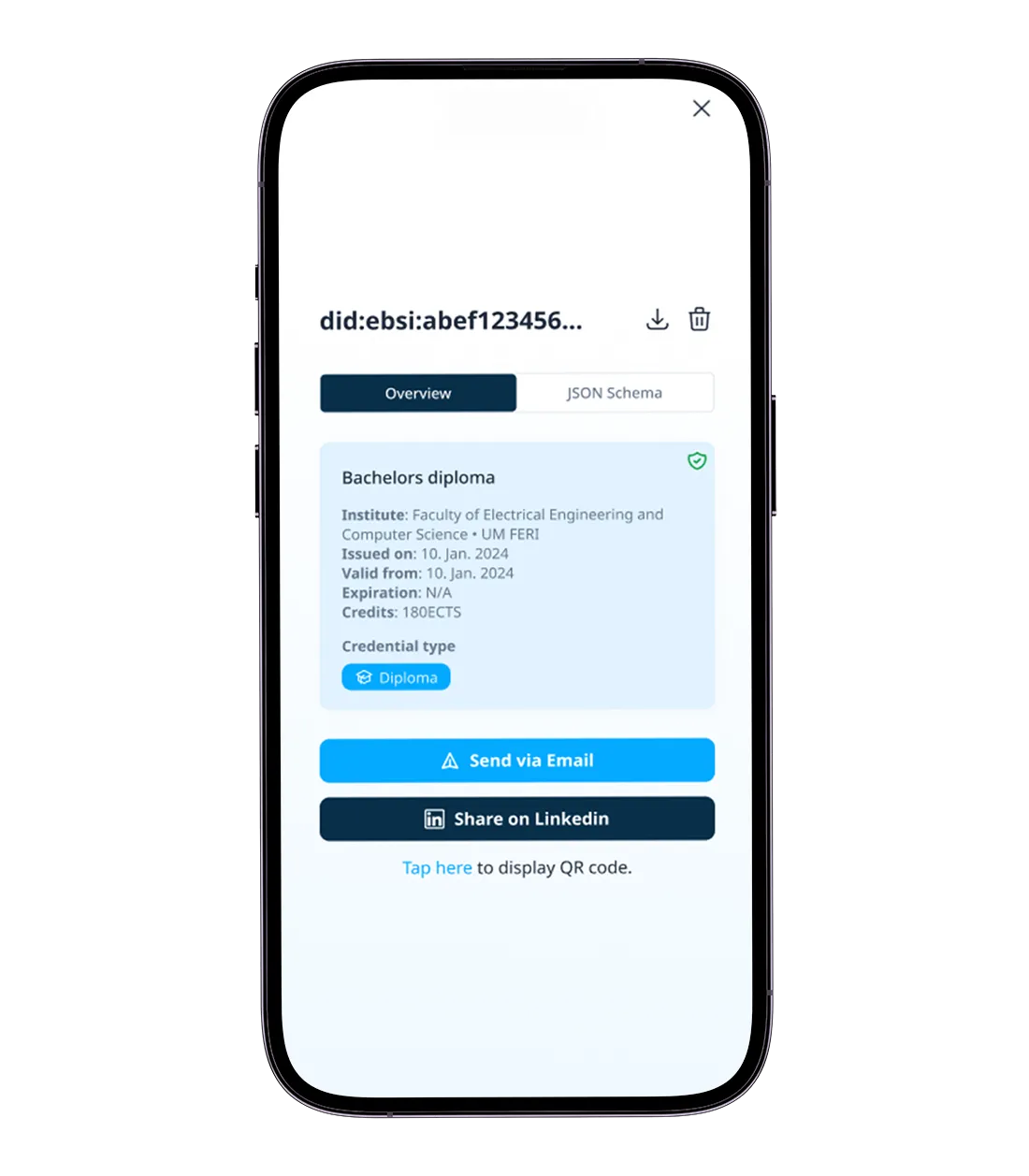
- All credentials in one place — diplomas, transcripts and micro-credentials, with quick filters.
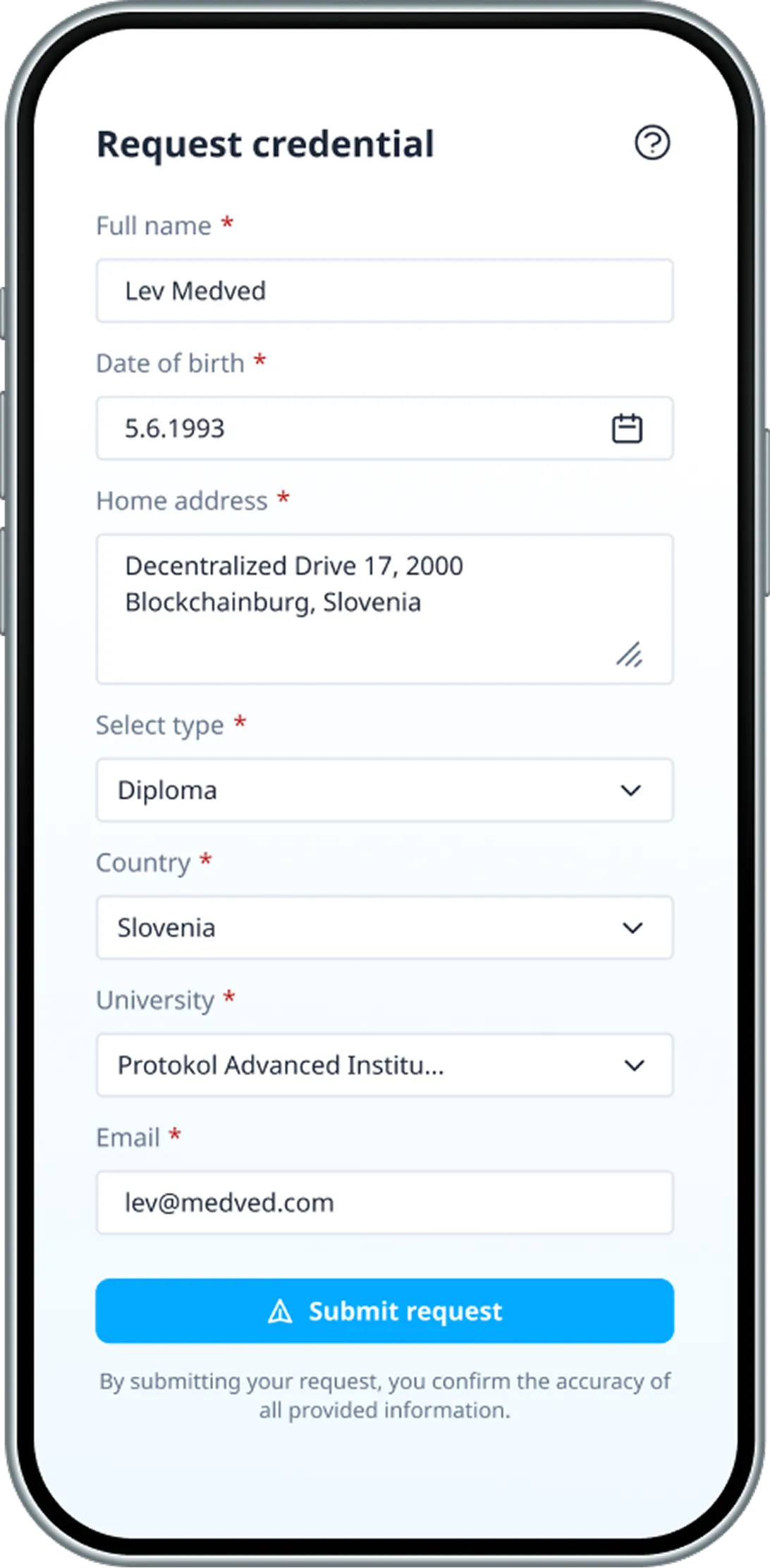
- Request a credential — students pick credential type, institution and country and submit their details.
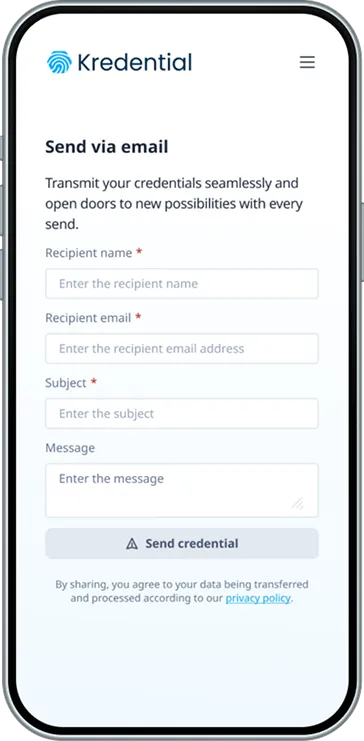
- Share by email — fill in the recipient and send in one tap.
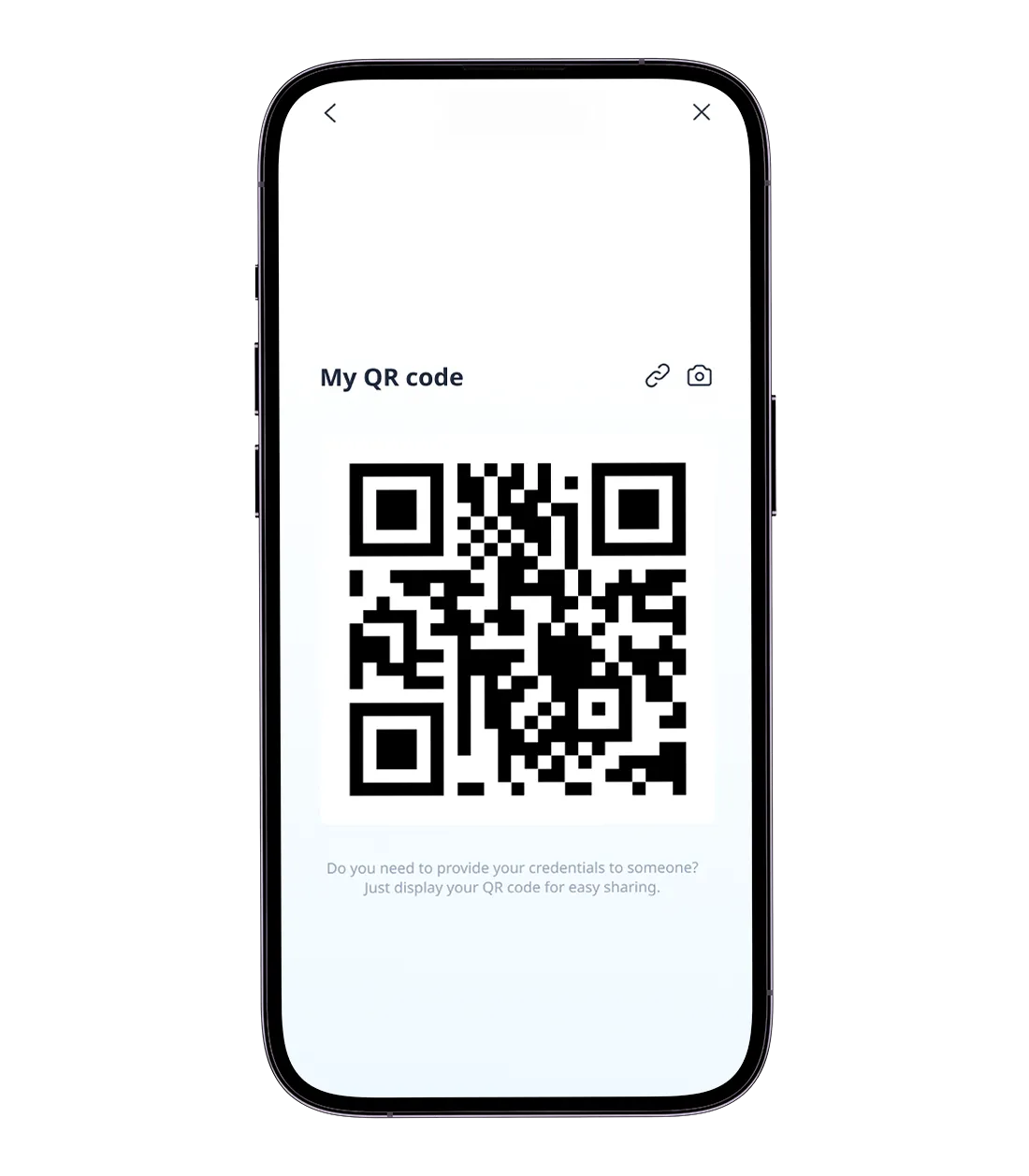
- Verify by QR — scanning confirms authenticity and opens a verification page.
Meet the mascot
To make the Holder Wallet feel more human, I designed a custom mascot — a friendly, expressive character in a graduation cap. It appears throughout onboarding to guide new users through unfamiliar ideas like verifiable credentials and DIDs, and to build trust.
Manual QA
I ran manual QA on both wallets to make sure the built product matched the Figma designs — font weights, spacing, button styles, component behavior — tested edge cases and interrupted flows, and reported issues in Jira with screenshots and reproduction steps.
Outcome
- 25%faster onboarding walkthroughsUser testing, ≈5 testers, v1 vs. v2
- 20%fewer user questionsInternal demo sessions
- 25%fewer QA issuesAfter the edge-case work
Beyond the numbers: less handoff friction between design and development, and a more resilient app for real-world use.
Status: Kredential did not ship. The EU regulations it was built around were not yet finalized, so the project was put on hold.